 AI Case Study Studio
 · by Nayamode
Customer case studies, without the chase
AI Case Study Studio interviews your customer, gathers the evidence and writes the first draft. Your team checks it, the customer approves it and you publish.


02 · The people
Two people, one case study
The customer has the story. The reviewer has to tell it.

Led the project the story is about. Knows the results, not every number.
- Has to find an hour for a live interview, then more for follow-ups.
- Gets asked for things already in their own files.
- Gets stuck on a cost figure only finance knows.
- Loses track of what was agreed about names, numbers and the logo.
Turns the customer's project into a published case study.
- Schedules, reschedules and runs every interview live.
- Digs through notes and files to see what is missing.
- Chases answers over weeks of email.
- Writes the draft from scratch, then every format by hand.
04 · The flow
Who does what, start to finish
- ReviewerMira
- CustomerDaniel
- Qualify customer
- Set up
- Send invite
- Agree to take part
- Share files
- Answer the rest
- Give consent
- Check and send
- Check evidence
- Write draft
- Approve draft
- Approve case study
- Final approval
- Publish
- Share outputs
05 · Set up
Reviewer · Mira
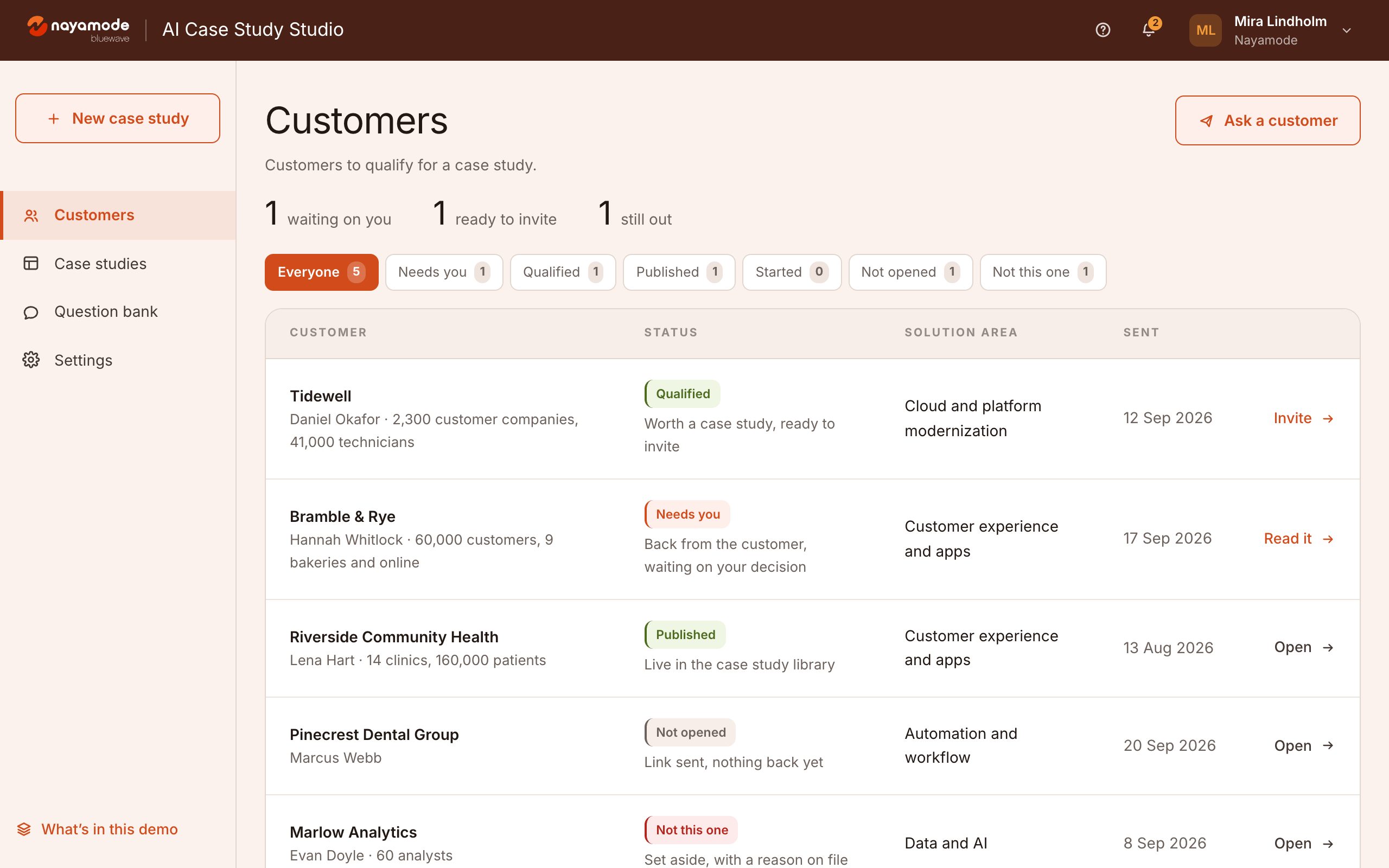
Set up once, invite in one click
Tell AI Case Study Studio what you already know, and the customer is never asked for it.
EnhancedOnly in the full version. Everything else is in the MVP too.
Click a step to see it. Click the screen to enlarge.
06 · The customer's files
Customer · Daniel
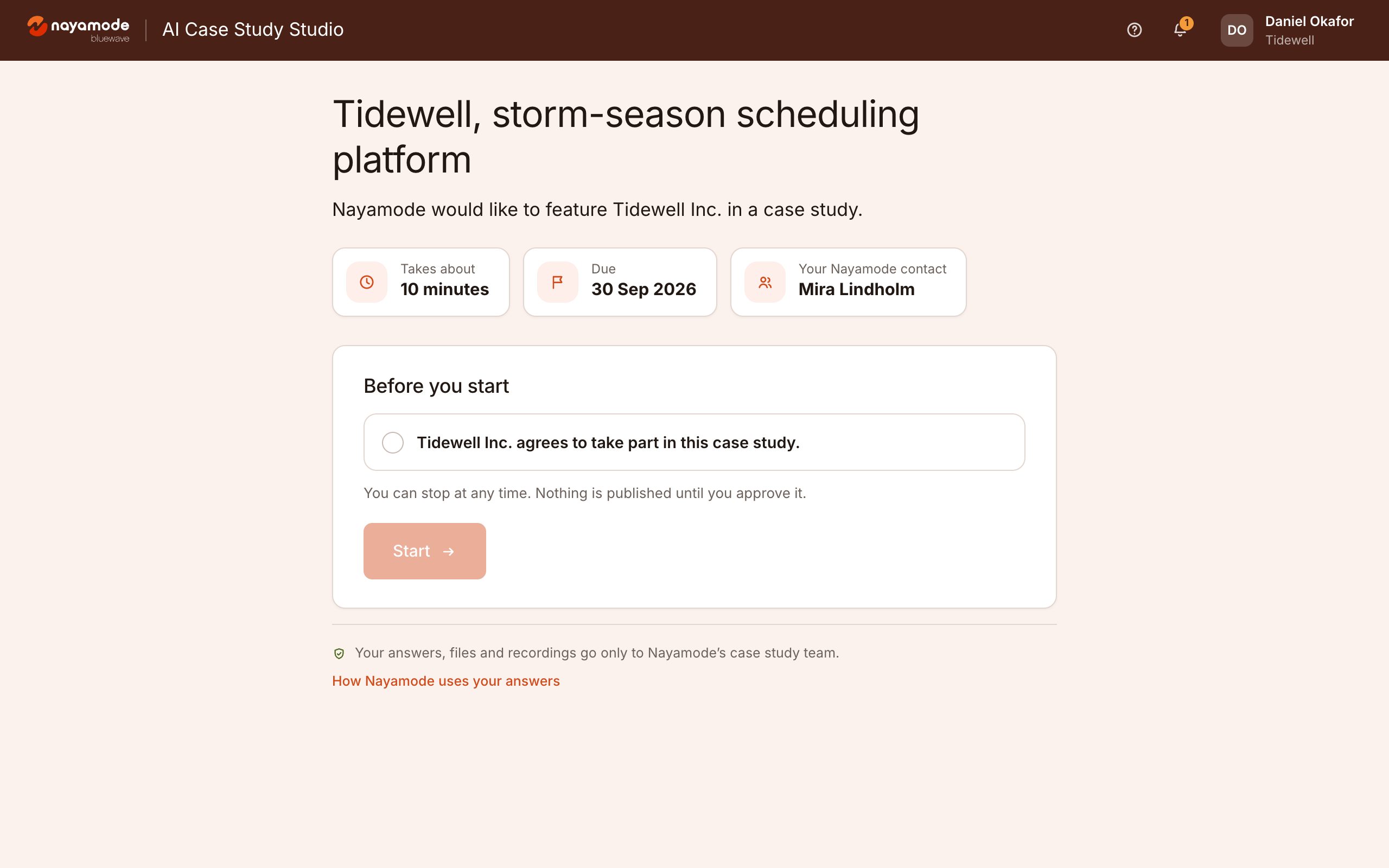
The customer's files answer first
One link, no sign-in, no password. The files go in first, and every answer they hold fills itself in.
Click a step to see it. Click the screen to enlarge.
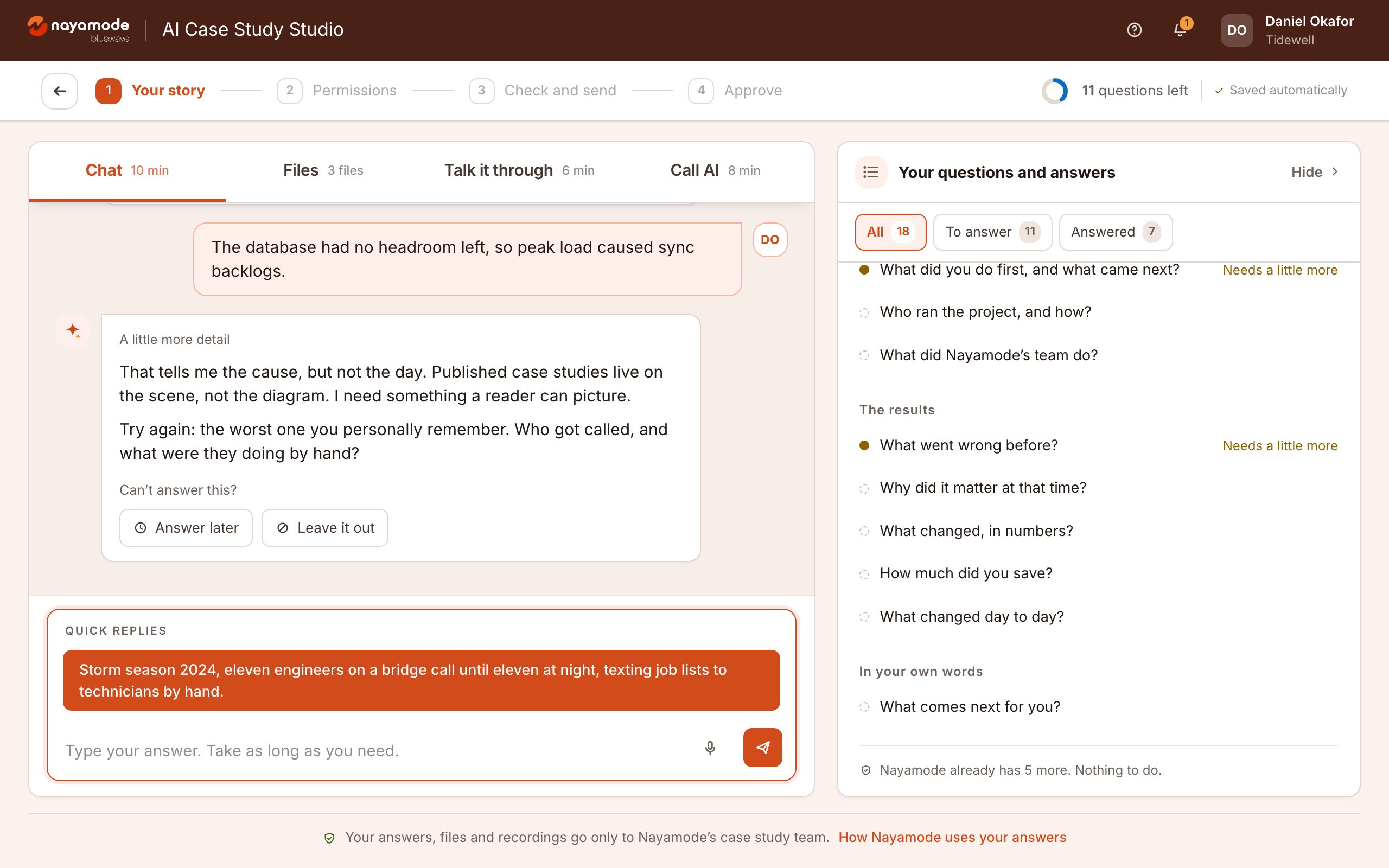
07 · The AI interview
Customer · Daniel
An interviewer that never runs out of patience
One question at a time, only about what is still missing. Type, talk it through or take a call.
Click a step to see it. Click the screen to enlarge.
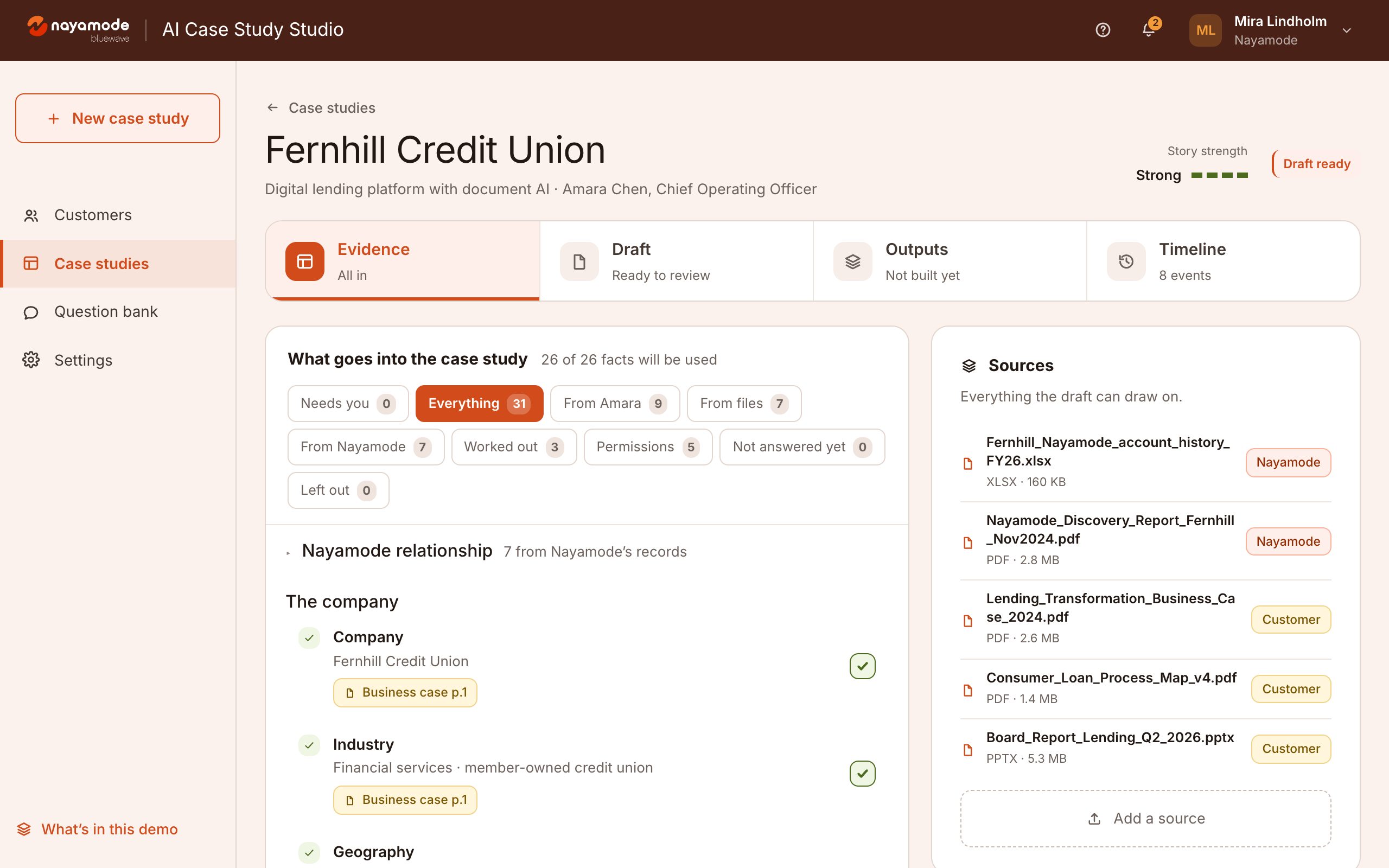
08 · Review and draft
Reviewer · Mira
Check the evidence, get the draft in minutes
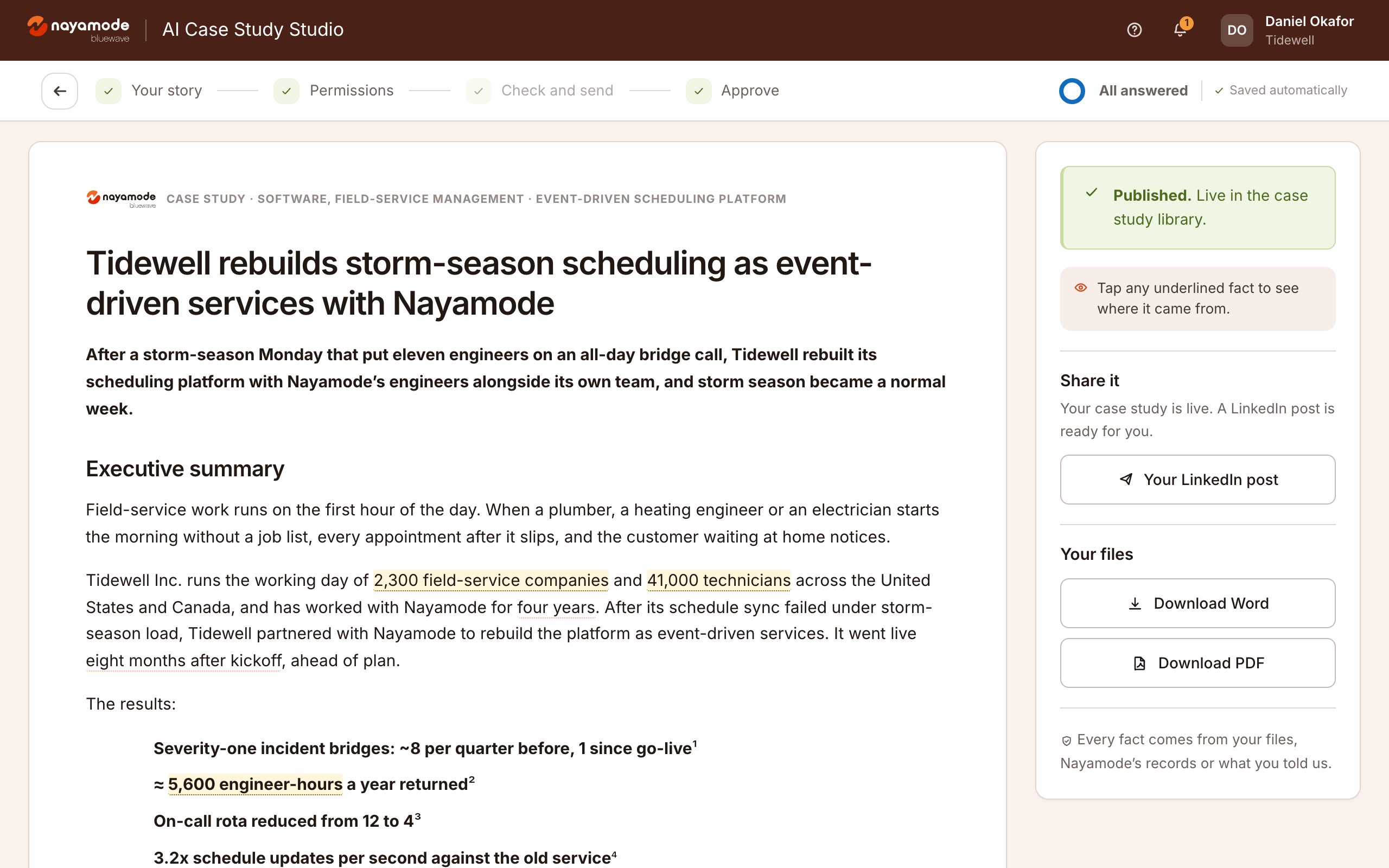
Every fact and its source, then the draft and the slides. Nothing goes out until the customer approves and brand and legal give final approval.
Click a step to see it. Click the screen to enlarge.
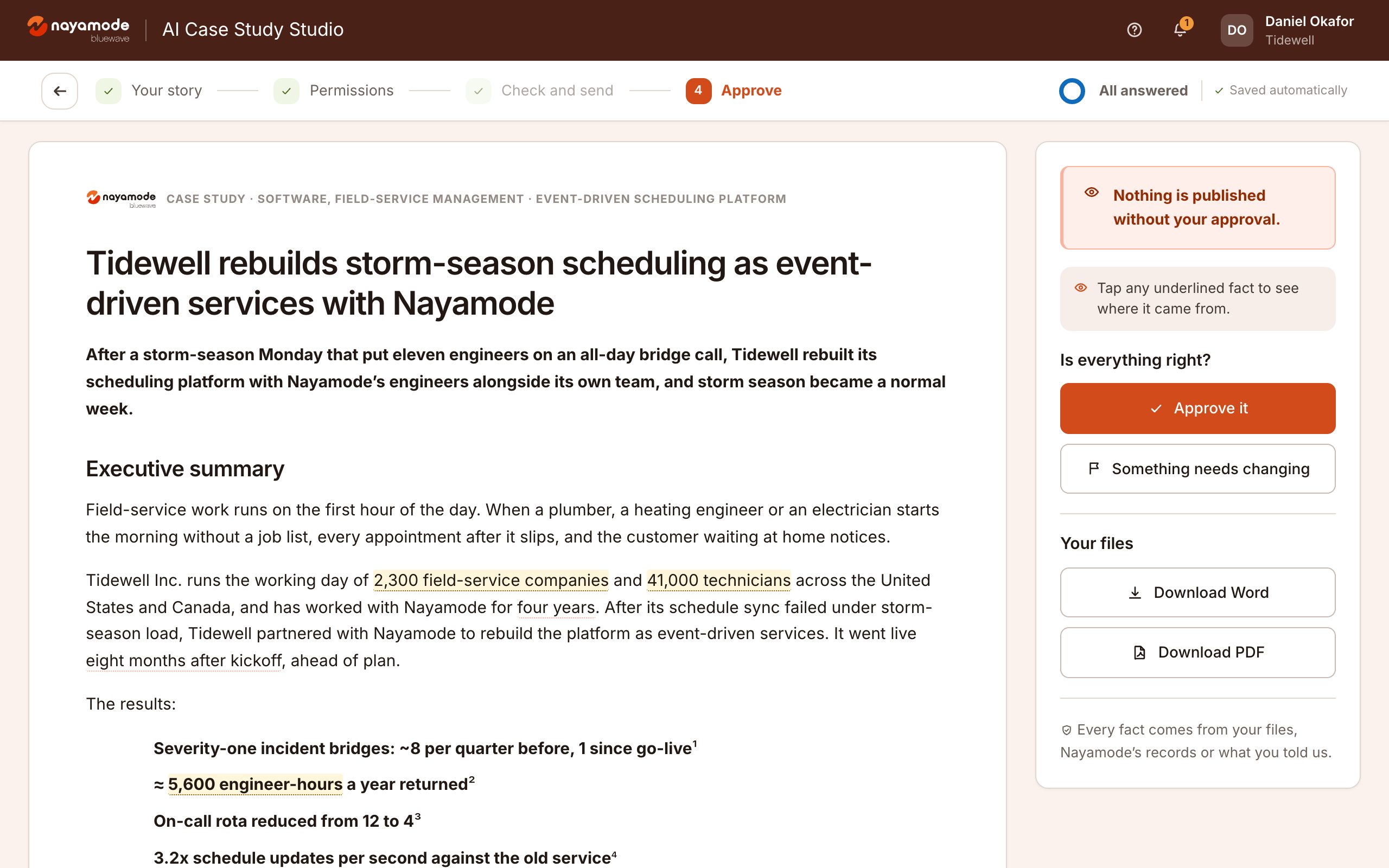
09 · Approve and share
Daniel, then Mira
Approved once, ready everywhere
The customer approves the case study they helped write, then brand and legal give final approval. Every output is built from it, in four languages.
Click a step to see it. Click the screen to enlarge.
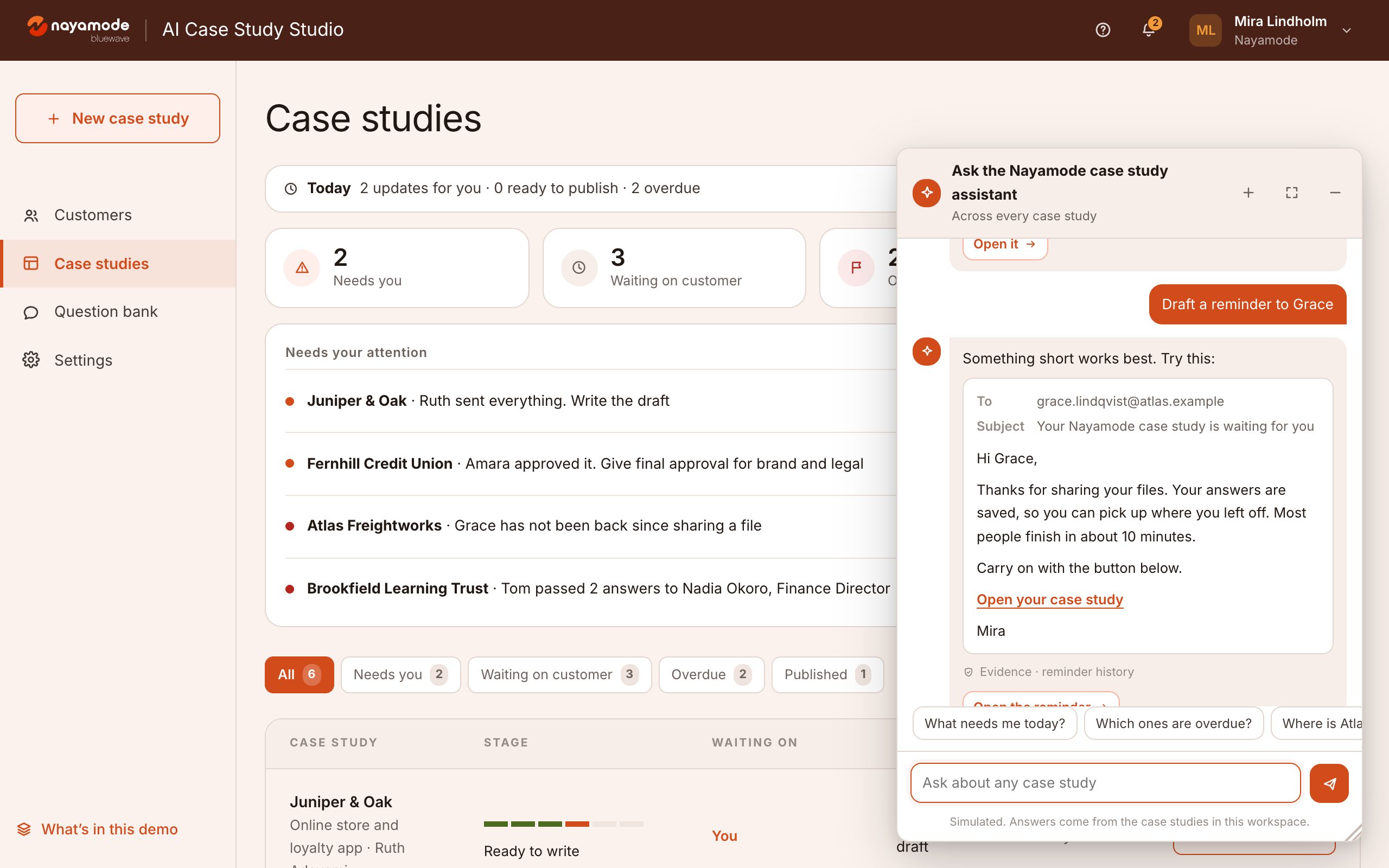
10 · The assistant Enhanced
Reviewer · Mira
Ask about any case study
A chat on every reviewer screen. It knows where each case study stands and what is waiting on whom, and it answers from the case studies themselves.
Ask it, for example
- What needs me today?
- Where is Atlas, and what is missing?
- Draft a reminder to Grace
- Write a LinkedIn post for Riverside
Click a step to see it. Click the screen to enlarge.
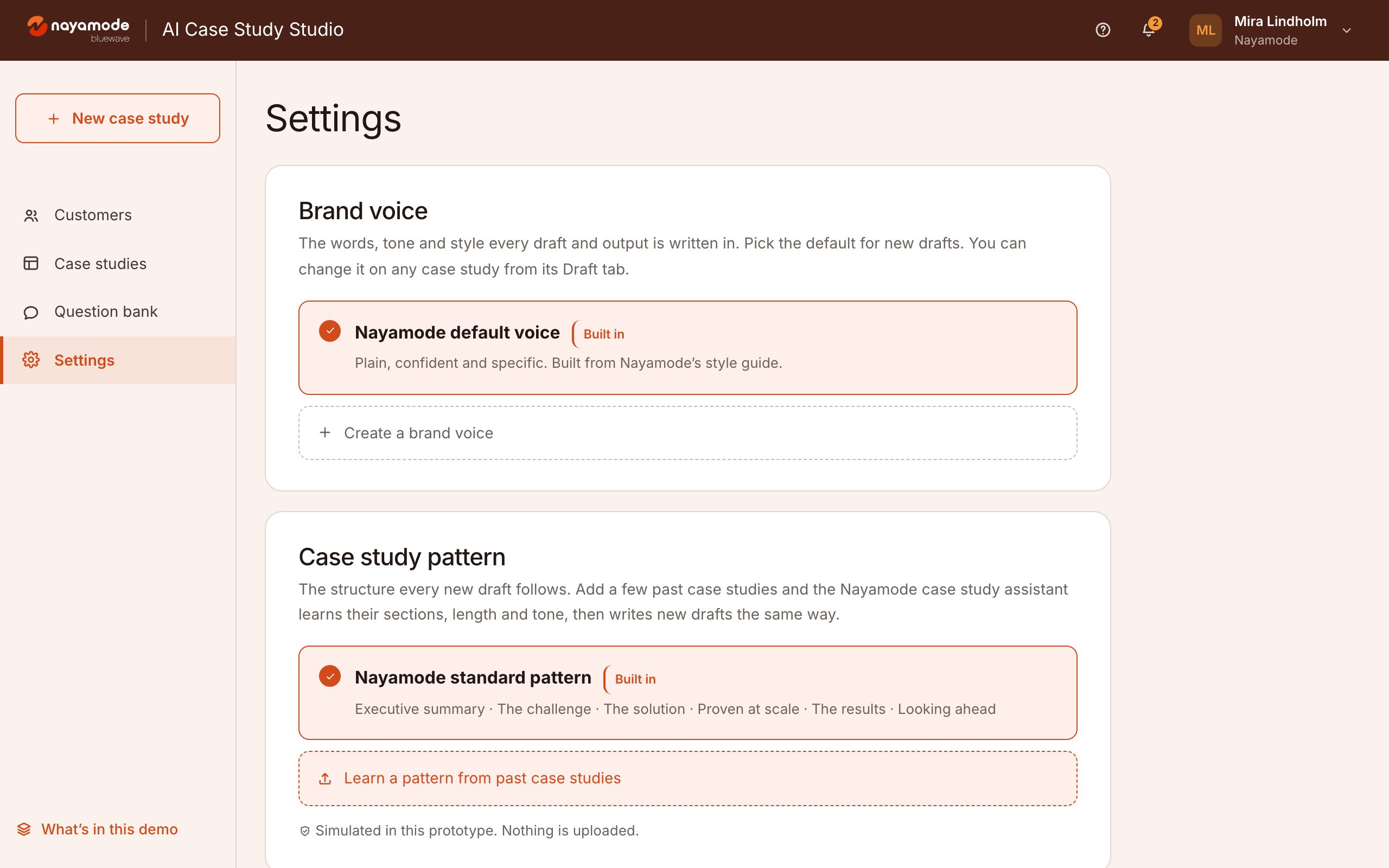
11 · Your voice, your format
Reviewer · Mira
Every draft sounds like you
Drafts are written in your brand voice and follow the format of the case studies you already publish.
Click a step to see it. Click the screen to enlarge.
AI Case Study Studio · by Nayamode
Your next case study in half the time
- An AI-led interview, any time, at the customer's pace
- Every fact traced to its source
- The customer approves before anything is published